







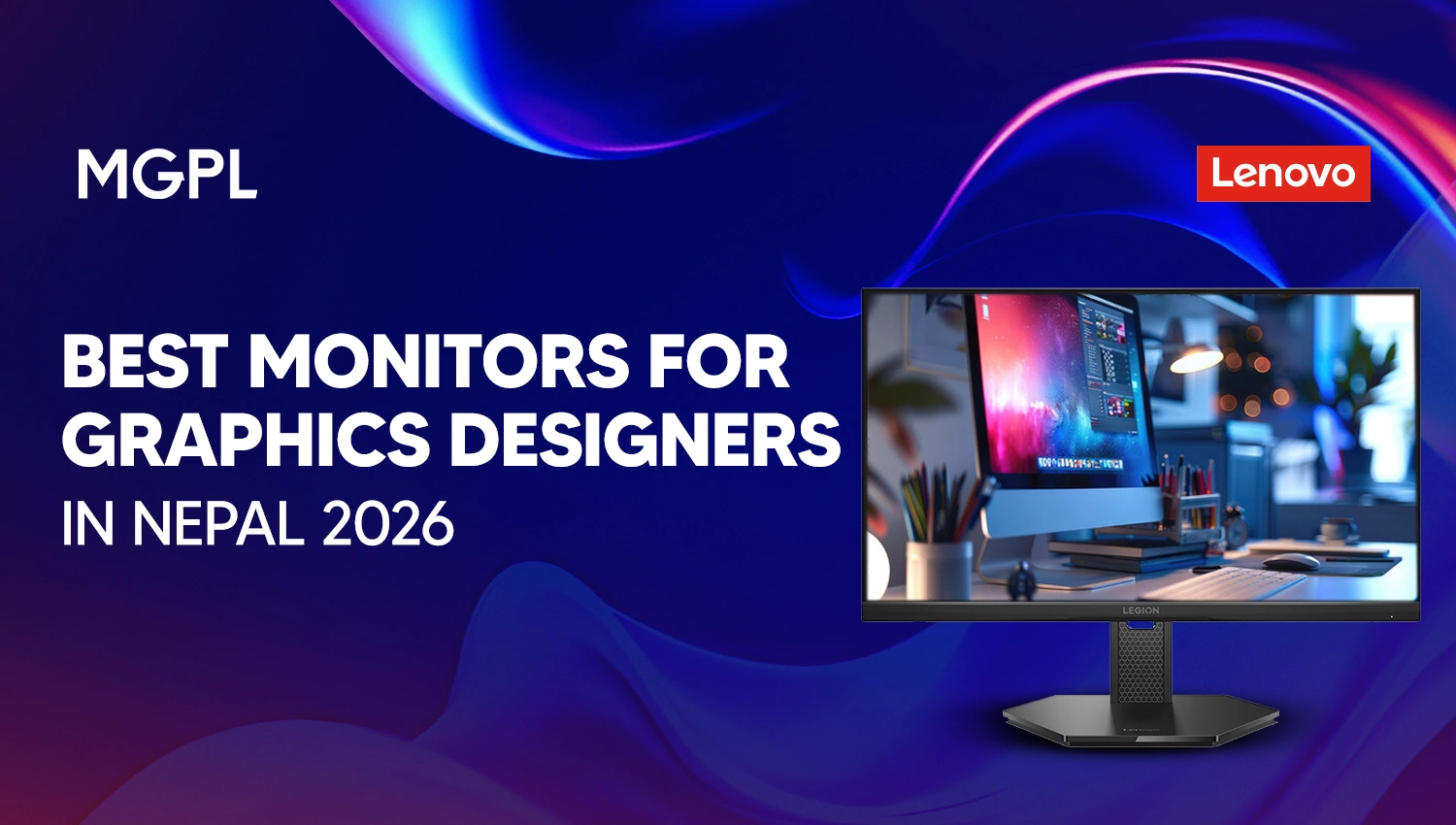
If you are a graphic designer or planning to build your career in graphic design, choosing the right monitor with color accuracy is important. Whether you work with Adobe Photoshop, Illustrator, Figma, or other applications, a monitor with good color accuracy, gamut coverage, panel type, resolution, and screen size helps you to design without flaws.
Searching for the best monitor for graphic design in Nepal requires considering detailed specifications and aspects. Reputable brands like Lenovo offer budget-friendly monitors for beginners to QHD and premium 4k monitors for the best accuracy and flawless designs.
In this blog, we provide information about the best monitors for graphic designers in Nepal in 2026. Their specifications, features, and prices are provided to help you compare and choose the right monitor as per your choice.
Popular Monitor Brands and Models Available In Nepal
Consumers can purchase monitors of various brands and models in Nepal that are suitable for graphic designing and professional creative works. Among these brands, Lenovo offers various models with competitive specifications at various prices. Some of the popular monitor models from Lenovo at Megatech Group (MGPL) include the following:
| Monitor Model | Screen Size | Resolution | Panel Type | Color Gamut | Price in Nepal |
| Lenovo LOQ 27Q-10 | 27 inches | QHD (2560 × 1440) | IPS | 99% sRGB | Rs. 40,999 |
| Lenovo Legion 27U-10 | 27 inches | 4K UHD (3840 × 2160) | IPS | 99% sRGB, 95% DCI-P3 | Rs. 74,999 |
| Lenovo Legion R27qc-30 | 27 inches | QHD (2560 × 1440) | VA | 99% sRGB, 90% DCI-P3 | Rs. 62,999 |
| Lenovo Legion R32qc-30 | 31.5 inches | QHD (2560 × 1440) | VA | 99% sRGB, 90% DCI-P3 | Rs. 78,999 |
| Lenovo Legion Pro 32UD-10 | 31.5 inches | 4K UHD (3840 × 2160) | QD-OLED | 99% sRGB, 99% DCI-P3 | Rs. 178,999 |
Best Budget Monitors For Graphic Design
For students, beginner designers, and freelancers working with Photoshop, Illustrator, Canva, and Figma, purchasing a budget monitor can be best to get used to basics. Without big investment, users can choose a budget monitor that manages to provide adequate resolutions, good color coverage, and a comfortable screen size. Below, we provide information about some of the best budget monitors for Graphic design in Nepal.
Lenovo LOQ 27Q-10
Key Specifications:
- Display: 27-inch IPS
- Resolution: 2560 × 1440 (QHD)
- Color Gamut: 99% sRGB
- Refresh Rate: 180Hz
- Brightness: 300 nits
- Price in Nepal: Rs. 40,999
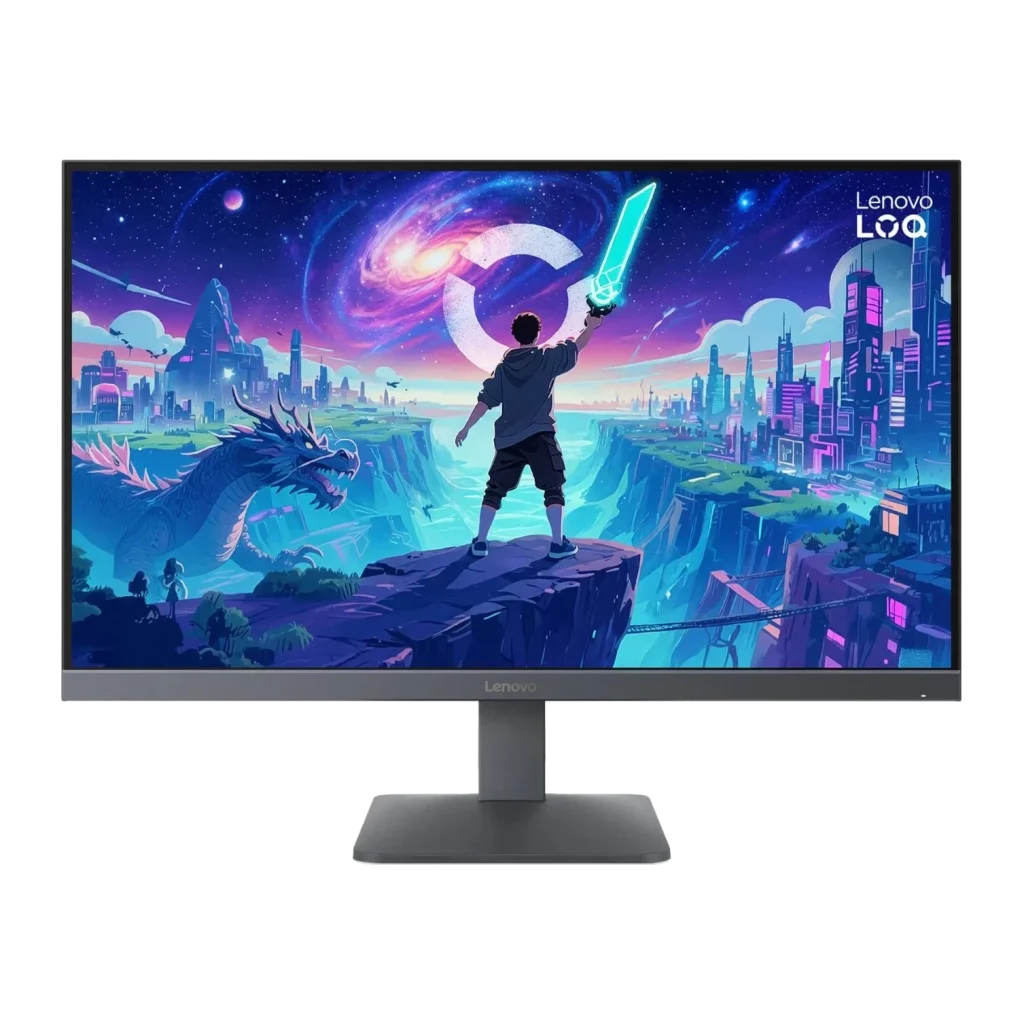
The Lenovo LOQ 27Q-10 is one of the affordable QHD monitors by Lenovo. It features a 27-inch IPS display with a resolution of 2560 × 1440 pixels, providing a sharper image than a Full HD monitor of the same size. The monitor supports 99% sRGB color coverage, making it suitable for basic digital graphic design, social media graphics, and web-based creative projects. Its IPS panel provides wide viewing angles, helping maintain consistent image appearance when viewed from different positions.
It also features a 180Hz refresh rate, although refresh rate is less important than color accuracy and resolution for most graphic design tasks. The monitor is best for students, beginner graphic designers, freelancers, social media designers, and general Photoshop and Illustrator work.
Lenovo Legion R27qc-30
Key Specifications:
- Display: 27-inch curved VA
- Resolution: 2560 × 1440 (QHD)
- Curvature: 1500R
- Color Gamut: 99% sRGB, 90% DCI-P3
- Refresh Rate: Up to 180 Hz
- Contrast Ratio: 3000:1
- Price in Nepal: Rs. 62,999
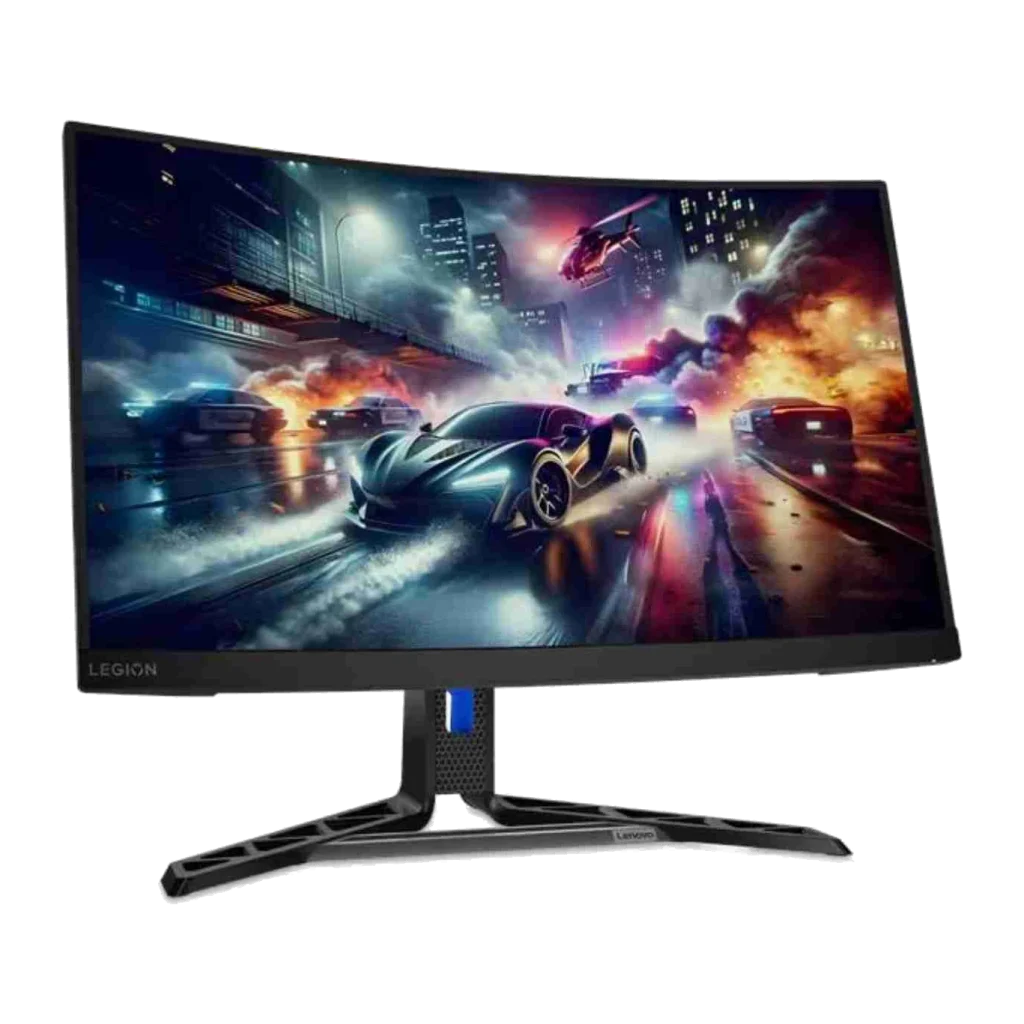
The Lenovo Legion R27qc-30 is a 27-inch curved QHD monitor featuring a VA panel with a 1500R curvature. Its 2560 × 1440 resolution provides sufficient workspace for creative applications, while its 3000:1 contrast ratio helps produce deeper blacks than typical IPS displays. The monitor offers 99% sRGB and 90% DCI-P3 color coverage, making it suitable for general digital design, multimedia projects, and entertainment. Its 180Hz refresh rate also provides smooth visual performance, especially for users who combine graphic design with gaming.
The Lenovo Legion R27qc-30 is also best for graphic designers who also use their monitors for gaming, multimedia, and general creative work. However, the curved screen may not be ideal for designers working extensively with precise layouts, straight lines, or architectural drawings.
Best 2K and 4K monitors for professional designers
Professional graphic designers often work with high-resolution images, detailed illustrations, multiple design layers, and complex layouts. A monitor with QHD or 4K resolution can provide additional workspace and improve image clarity.
QHD monitors offer 2560 × 1440 pixels, while 4K UHD monitors provide 3840 × 2160 pixels. A 4K monitor has 2.25 times as many pixels as a QHD display, allowing finer details to appear sharper at comparable screen sizes. Some of the best Lenovo 2K and 4K monitors for professional designers in Nepal are provided below:
Lenovo Legion 27U-10 Monitor
Key Specifications:
- Display: 27-inch IPS
- Resolution: 3840 × 2160 (4K UHD)
- Color Gamut: 99% sRGB, 95% DCI-P3
- Refresh Rate: Up to 160Hz at 4K
- Brightness: 300 nits
- HDR Support: HDR10
- Price in Nepal: Rs. 74,999
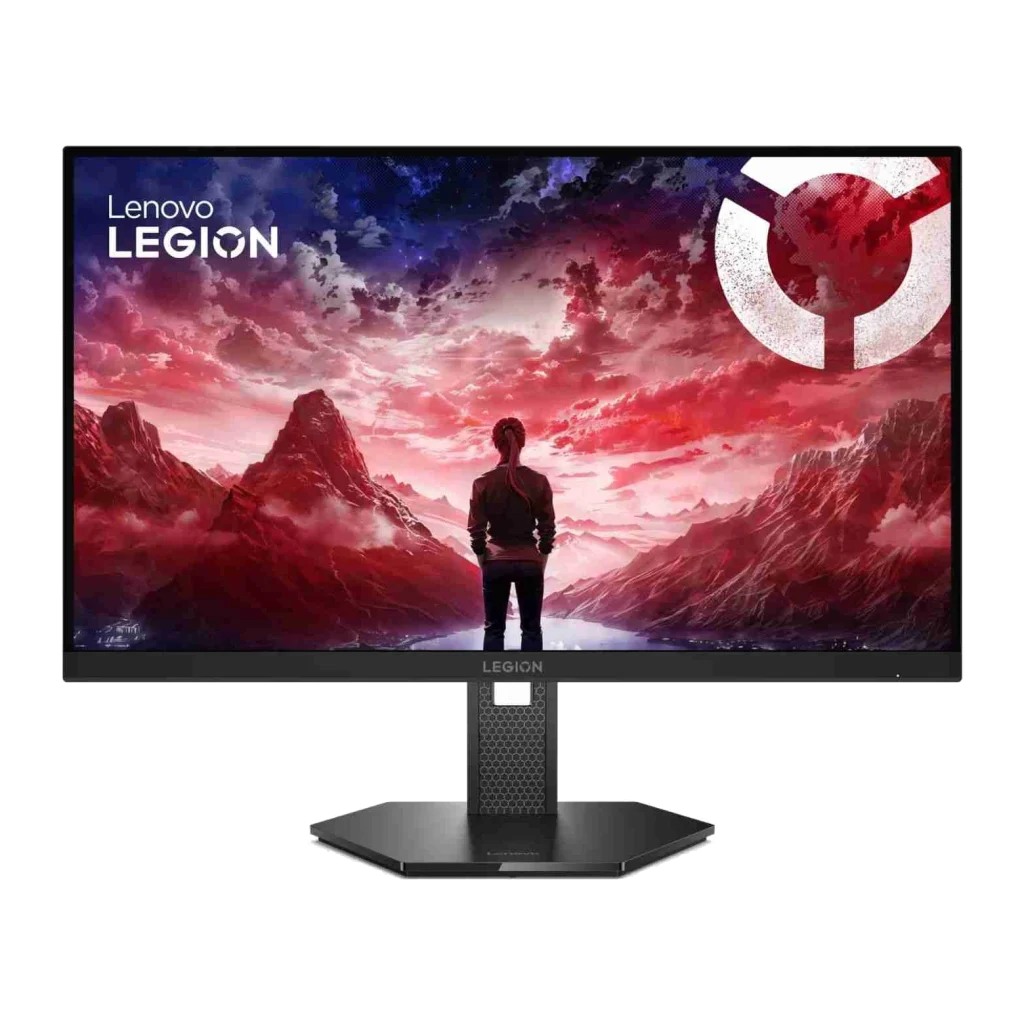
The Lenovo Legion 27U-10 is a 27-inch 4K IPS monitor suitable for designers who need high resolution and wide color coverage. Its 3840 × 2160 resolution provides sharp image details, making it useful for photo retouching, illustration, typography, and detailed graphic design projects. The monitor covers 99% sRGB and 95% DCI-P3, offering a wide color gamut for digital creative work. Its IPS panel also provides consistent viewing angles, which are useful when reviewing designs. The Lenovo Legion 27U-10 supports refresh rates of up to 160Hz at 4K resolution and 320Hz in Full HD mode. These specs are best for graphic designers, digital illustrators, photo editors, and creative professionals who need a sharp 4K display.
Lenovo Legion R32qc-30 Monitor
Key Specifications:
- Display: 31.5-inch curved VA
- Resolution: 2560 × 1440 (QHD)
- Curvature: 1500R
- Color Gamut: 99% sRGB, 90% DCI-P3
- Refresh Rate: Up to 180 Hz
- Brightness: 350 nits
- Price in Nepal: Rs. 78,999
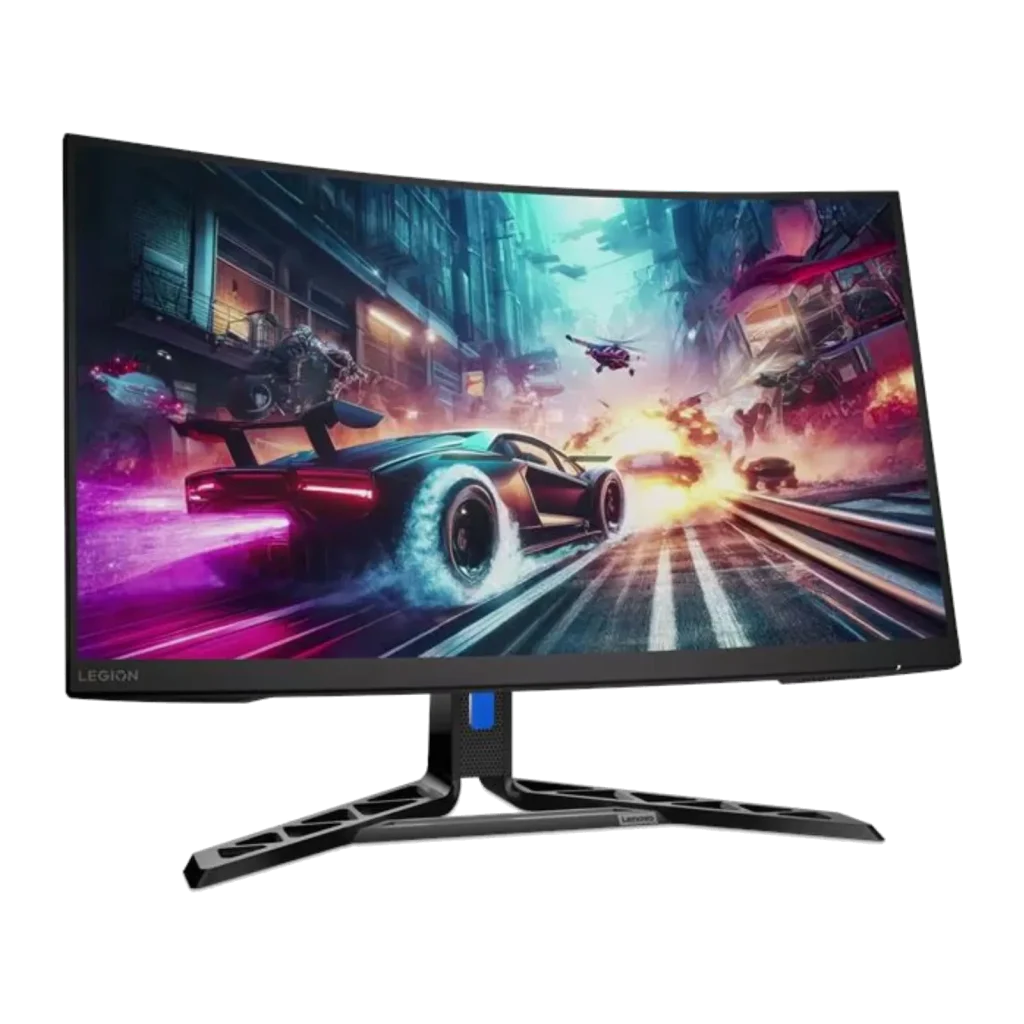
The Lenovo Legion R32qc-30 features a larger 31.5-inch QHD display with a 1500R curved VA panel. It provides more physical screen space than a 27-inch monitor, which can be useful when working with multiple applications. The monitor offers 99% sRGB and 90% DCI-P3 color coverage, along with a 3000:1 contrast ratio.
It also supports a refresh rate of up to 180Hz, making it suitable for users who combine creative work with gaming and entertainment. Designers who prefer larger screens for multitasking, multimedia editing, and mixed creative use can choose this monitor for an extended viewing experience. But designers who prioritize image sharpness and precise layouts may prefer a flat 4K IPS monitor.
Best Color-accurate Monitors For Photoshop, Illustrator, and Photo Editing
Color accuracy is one of the most important factors when selecting a monitor for Photoshop, Illustrator, and professional photo editing. A color-accurate monitor helps designers evaluate images consistently and reduces unexpected color differences between displays. When comparing monitors, designers should consider color gamut coverage, factory calibration, and Delta E values. For example, 99% or 100% sRGB coverage is useful for web graphics and digital content, while wider DCI-P3 or Adobe RGB coverage may benefit specific professional workflows.
Lenovo Legion Pro 32UD-10 Monitor
Key Specifications:
- Display: 31.5-inch QD-OLED
- Resolution: 3840 × 2160 (4K UHD)
- Color Gamut: 99% sRGB, 99% DCI-P3
- Factory Calibration: Average Delta E < 2 in sRGB
- Refresh Rate: 240Hz
- HDR Certification: DisplayHDR True Black 400
- Price in Nepal: Rs. 178,999
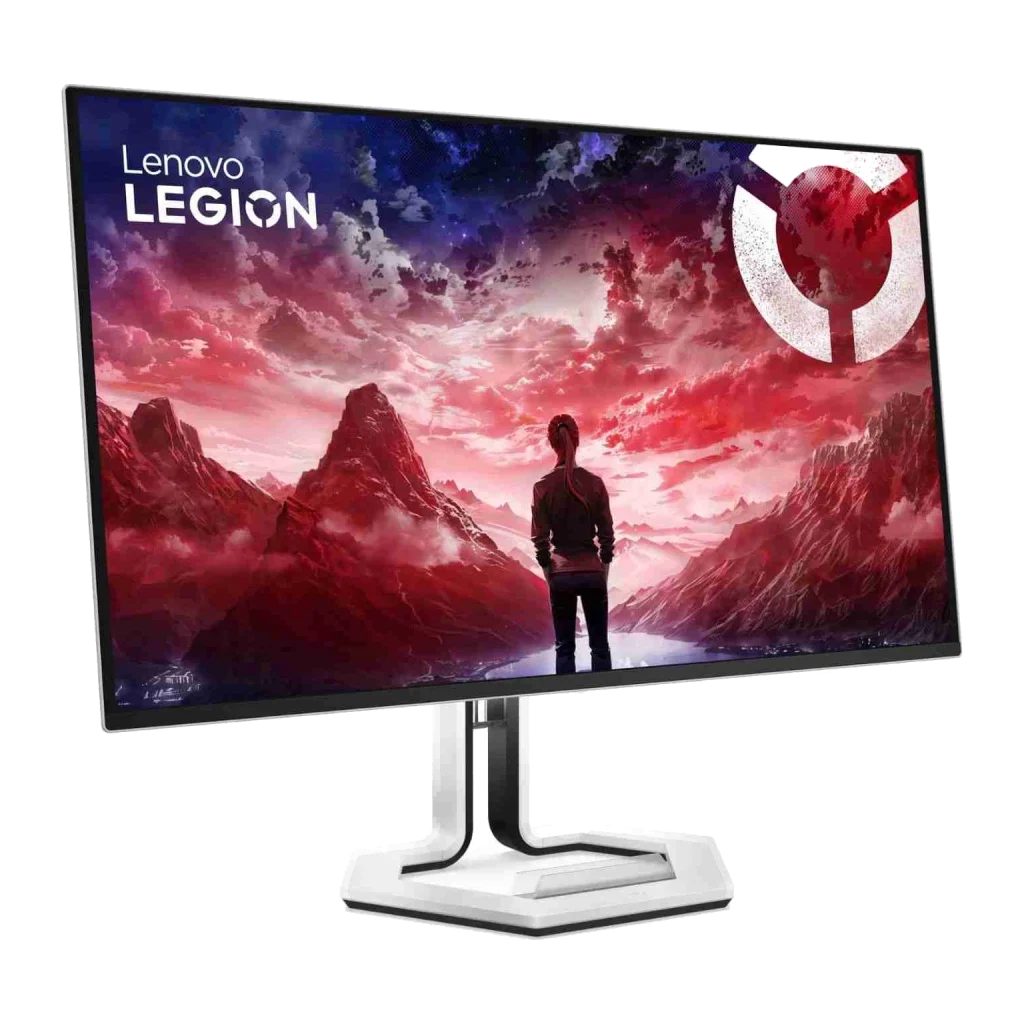
The Lenovo Legion Pro 32UD-10 is a premium 31.5-inch 4K QD-OLED monitor designed for high-end visual performance. Its 3840 × 2160 resolution provides sharp image details, while the QD-OLED panel delivers deep blacks, high contrast, and vibrant colors.
The monitor supports 99% sRGB and 99% DCI-P3 color coverage. It also features factory calibration with an average Delta E below 2 in sRGB mode. This makes it a strong option for designers working with digital illustrations, photo editing, video content, and other color-sensitive projects.
The monitor also supports a 240Hz refresh rate and DisplayHDR True Black 400 certification.
Lenovo Legion Pro 32UD-10 is best for Professional photo editors, digital artists, video editors, and designers working with color-sensitive digital content.
IPS vs. VA vs. OLED Panel
The best monitor panel for graphic design depends on factors such as color accuracy, viewing angles, contrast, resolution, and budget. The table below compares IPS, VA, and OLED panels to help graphic designers choose the right monitor for their creative work.
| Features | IPS (In-Plane Switching) | VA (Vertical Alignment) | OLED (Organic Light-Emitting Diode) |
| Color Accuracy | Offers excellent color consistency and accuracy, especially in factory-calibrated monitors. Ideal for color-sensitive graphic design projects. | Provides good color reproduction, but color consistency can vary depending on the viewing angle and monitor quality. | Delivers excellent color reproduction and supports wide color gamuts, making it suitable for professional creative projects. |
| Viewing Angles | Provides wide viewing angles, typically rated at 178°, with minimal color and brightness shifts. | Generally has narrower effective viewing angles, with more noticeable color and brightness shifts when viewed from the sides. | Offers excellent viewing angles with minimal color and contrast changes, making it suitable for professional visual work. |
| Contrast Ratio | Standard IPS panels typically offer contrast ratios of around 1,000:1 to 1,500:1, resulting in moderate black levels. | Usually offers higher native contrast ratios of around 2,000:1 to 5,000:1, producing deeper blacks than conventional IPS panels. | Offers effectively infinite contrast because individual pixels can turn off completely, producing true blacks. |
| Color Gamut | Many professional IPS monitors support 100% sRGB and high coverage of Adobe RGB or DCI-P3, depending on the model. | Color gamut coverage varies by model. Some VA monitors support wide color gamuts suitable for creative work. | Many OLED monitors offer wide color gamut coverage, including high DCI-P3 coverage, making them suitable for HDR content creation. |
| Graphic Design Performance | Excellent for graphic design, branding, illustration, typography, and UI/UX design due to consistent color reproduction. | Suitable for general graphic design and multimedia projects, although viewing-angle limitations can affect color-critical tasks. | Excellent for professional graphic design, digital artwork, and visually demanding creative projects, but burn-in requires consideration. |
| Photo Editing | Highly recommended for photo editing because of consistent colors and wide viewing angles. | Suitable for basic and intermediate photo editing, but less ideal for color-critical professional workflows. | Excellent for photo editing, particularly when working with high-contrast images and HDR photography. |
| Best For | Graphic designers, photographers, illustrators, UI/UX designers, and professionals requiring consistent color accuracy. | Budget-conscious designers, multimedia creators, and users who prefer higher contrast for general creative work. | Professional video editors, HDR content creators, motion graphics designers, and creative professionals seeking premium image quality. |
Which Panel Should Graphic Designers Choose?
For most graphic designers, an IPS monitor for graphic design is a practical choice because it offers wide viewing angles and generally consistent image reproduction. VA monitors provide higher contrast and deeper blacks than typical IPS panels. However, curved VA monitors may be less suitable for design tasks that require precise visual alignment.
OLED monitors offer exceptional contrast, deep blacks, and potentially excellent color accuracy. They can be suitable for professional creative work, although their higher prices and burn-in considerations should be evaluated.
Ultimately, panel technology alone does not determine color accuracy. Designers should also compare color gamut coverage, calibration, resolution, and the performance of individual monitor models.
Conclusion
Choosing the best monitor for graphic design in Nepal depends on your budget, design requirements, and preferred display features. Whether you are a beginner working with Photoshop and Illustrator or a professional designer handling detailed creative projects, factors such as screen resolution, color accuracy, panel technology, and screen size are important. From budget-friendly QHD monitors to premium 4K OLED displays, Lenovo offers several options for different creative needs.
If you are looking for genuine monitors for graphic designers in Nepal, explore the latest Lenovo monitors at Megatech Group (MGPL). Compare specifications, check monitor prices in Nepal, and find the right display to enhance your creative workflow.
Frequently asked questions
1. Which is the best monitor for graphic design in Nepal?
The best monitor depends on your budget and design requirements. The Lenovo LOQ 27Q-10 is a practical budget option with a QHD IPS display and 99% sRGB coverage. For professional users who need 4K resolution, the Lenovo Legion 27U-10 is worth considering. The Lenovo Legion Pro 32UD-10 offers premium QD-OLED technology and factory-calibrated color accuracy.
2. What is the best budget monitor for graphic design?
The Lenovo LOQ 27Q-10 is a good budget monitor for graphic design among the models discussed. It features a 27-inch QHD IPS display, 99% sRGB coverage, and a listed price of Rs. 40,999 at Megatech Group.
3. Is a 2K or 4K monitor better for graphic design?
A 4K monitor provides more pixels and sharper image details than a QHD monitor of the same size. It is useful for professional photo editing, illustration, and detailed design work. However, a QHD monitor can provide sufficient resolution for many designers at a lower price.
4. Is an IPS monitor better than a VA monitor for graphic design?
IPS monitors are generally preferred for graphic design because of their wide viewing angles and consistent image appearance. VA monitors offer higher contrast but may show greater changes in image appearance when viewed from different angles. Actual performance varies by model.
5. What screen size is best for Photoshop and Illustrator?
A 27-inch monitor is a practical choice for Photoshop and Illustrator because it provides enough screen space for editing tools, panels, and design projects. A 32-inch 4K monitor can offer additional workspace for professionals handling complex projects.